
Yearbook templates built in Canva
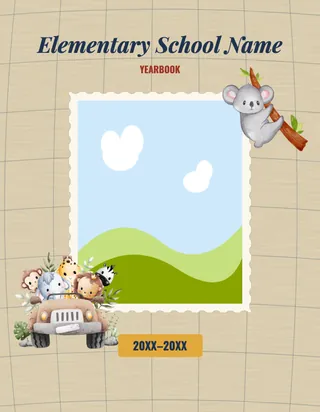
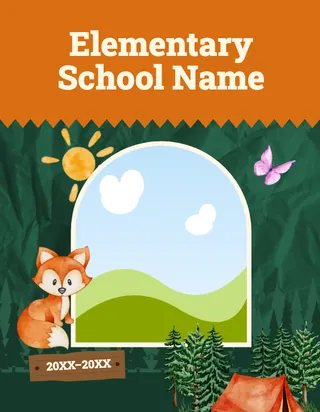
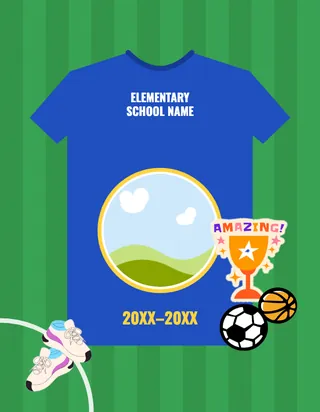
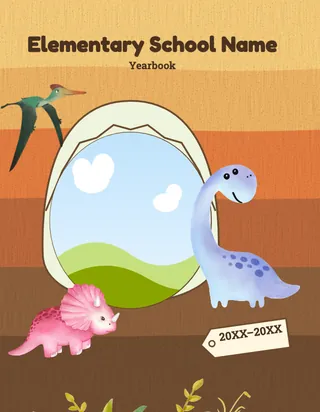
Yearbook templates for elementary schools: complete designs, each built in Canva, so what is your school’s look? Search by a theme, a feeling or a favorite thing, open any template to see every page, and pick the one that feels like your school. Every template has a cover, class pages, event pages and pages to sign, and takes your school’s colors.
Planning a yearbook? Get a quote and a sample.
Templates
We don’t have a “” template yet.
Planning a yearbook? Get a quote and tell us the look you have in mind.
Little learners
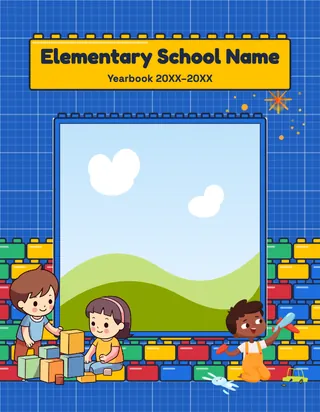
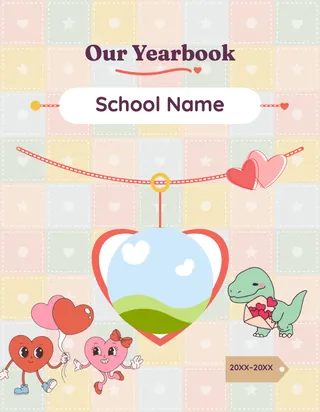
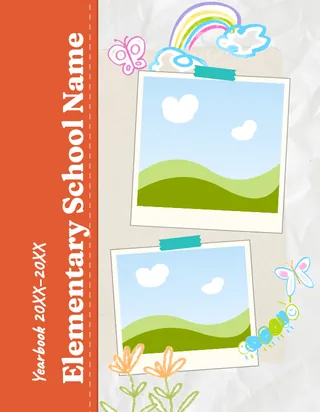
Big shapes, bright colors and gentle pages for the youngest.
-
-
-
-
-
-
-
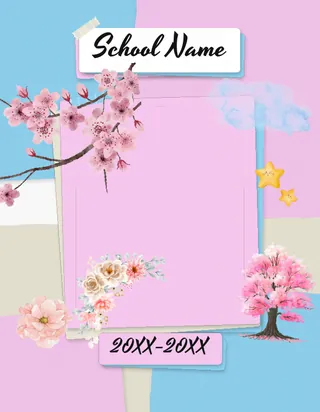
Mindful Moments
Calm pastel paper blocks, brush-script titles and gentle words like Breathe and Be Kind.
Bright and playful
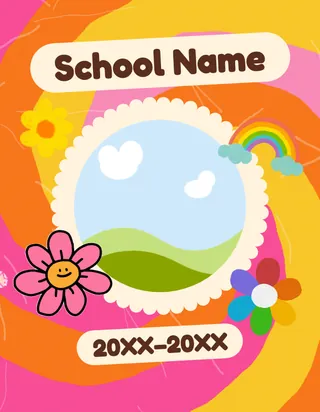
Color everywhere, for a school that loves to celebrate.
-
-
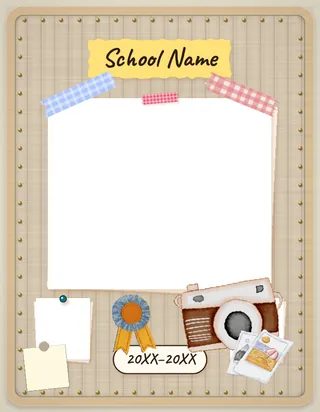
Pinboard Pop
A light cork bulletin board of taped polaroids, patterned washi tape, push-pins and pastel sticky notes.
-
-
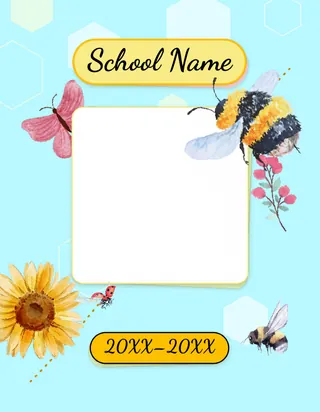
Busy Bees
A soft garden book: butter-cream pages, layered paper with tape and pins, honey caption strips and dotted flight trails.
Art, paint and collage
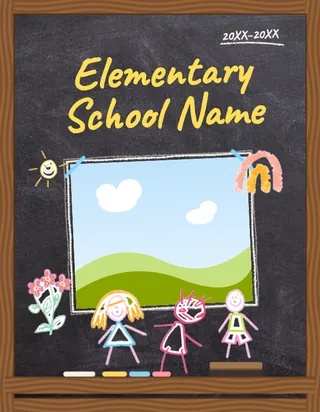
Hand-made looks: paper, paint, chalk and cut-and-paste.
-
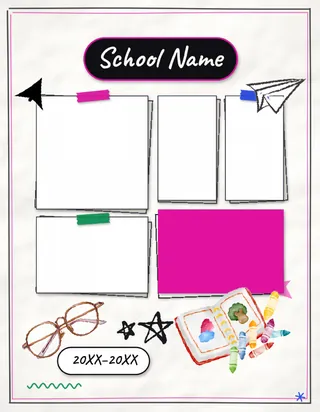
Margin Notes
A notebook-paper book with a hot-pink highlighter swipe behind each title, taped and clipped photos and handwritten notes.
-
-
-
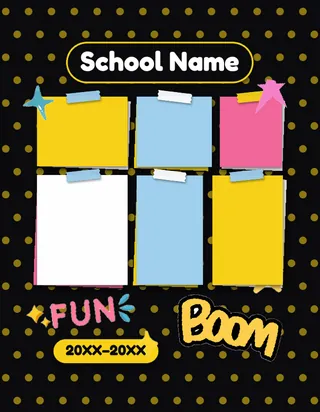
Snapshot Mosaic
A collage-first book: hex mosaics, taped snapshots, sticky notes and brick walls of photos in black and yellow.
-
Bold and graphic
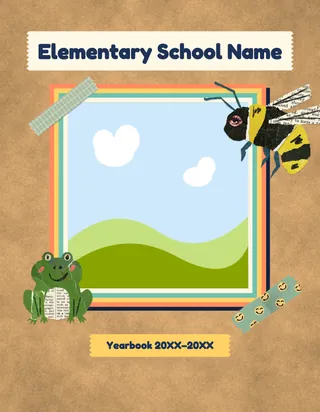
Strong color, glossy glass and big, confident shapes.
-
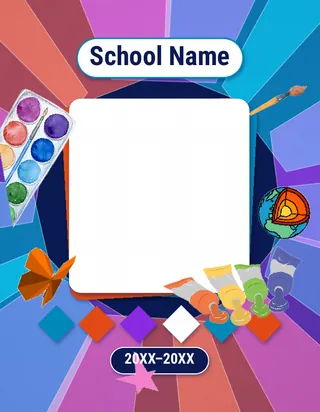
Prism Panes
Overlapping translucent shards in lagoon blue, flame orange and grape over ice white, with diamond and triangle photo frames.
-
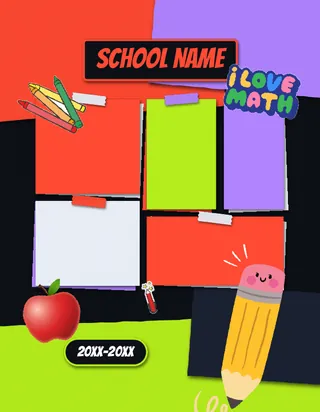
Supply Closet
A near-black book of marker-bright school supplies: folder tabs, index cards, locker tags and tickets in tomato, lime and grape.
-
-
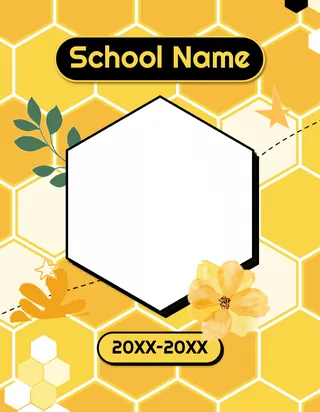
Honeycomb Hive
Photos in hexagon frames that interlock like a hive, with honey-yellow titles and black pages that alternate with honey and cream.
-
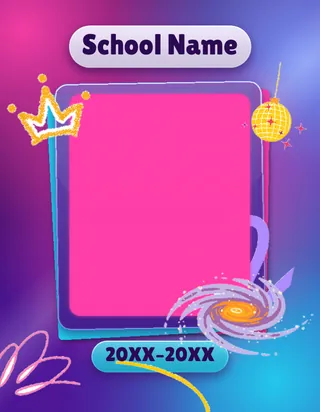
Jewel Glow
Deep amethyst grounds washed with ruby, periwinkle and aqua light, with frosted glass panels and gem-cut photo frames.
Stage and stories
Spotlights, fairy tales and big ideas.
-
-
-
-
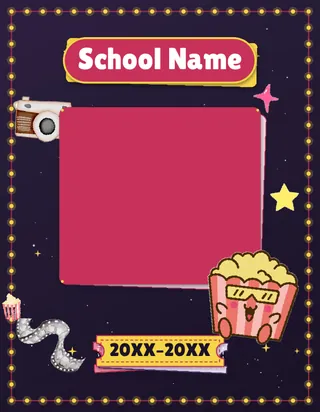
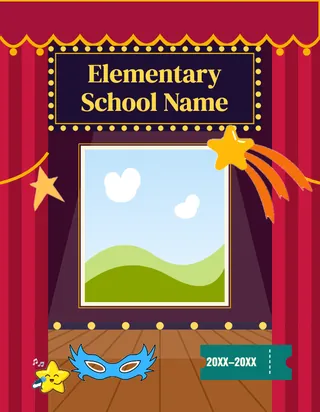
Red Carpet
A movie-night premiere: film-strip borders, ticket panels and sparkle stars in blush, raspberry and marquee yellow.
-
-
Outdoors and adventure
Trails, fossils, gardens, maps and big skies.
-
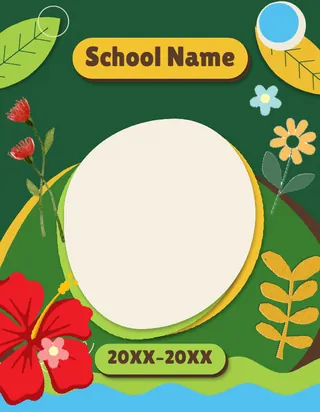
Cutout Garden
A cut-paper garden in forest green, ivory and sage, with sunflower and poppy shapes layered like real paper.
-
-
-
-
Space, sky, sea and science
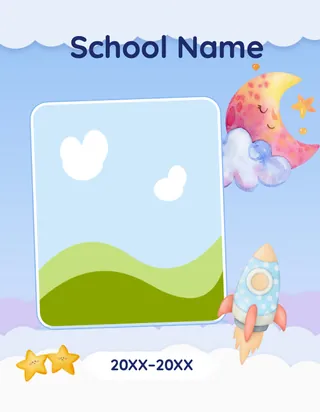
Launch off, look up, dive in.
-
-
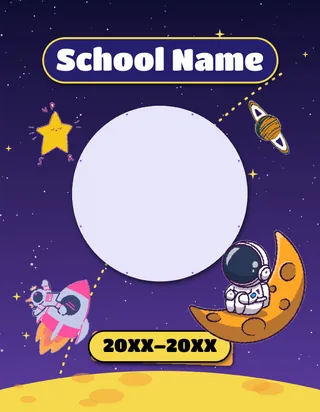
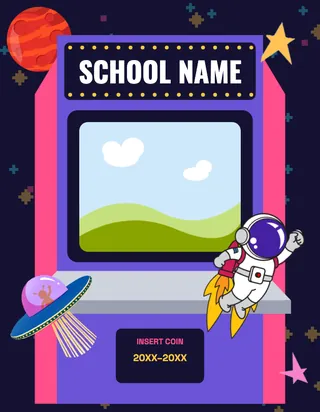
Cosmic Classroom
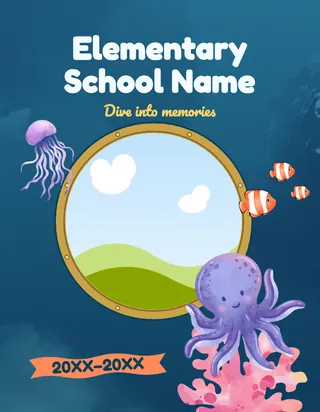
A deep-space classroom: porthole and planet frames, moon-yellow titles on starry navy and a Flight Plan contents page.
-
-
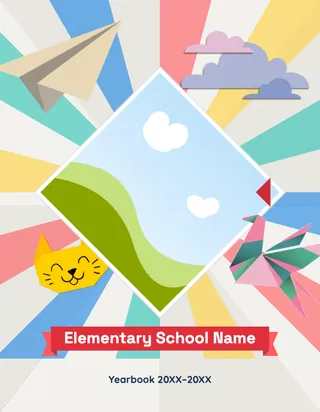
Canva makes it easy to copy and paste between designs, so you aren’t locked into one. Mix a cover from one template with page styles from another, or bring in anything from Canva’s own element library.
How do I choose a yearbook template?
- Start from your school, not the trend. A school with a strong mascot or colors suits a school-spirit design. A school that wants the children’s own art front and center suits a sketchbook, crayon or scrapbook style.
- Think about the youngest and oldest readers. A kindergartner and a graduating 5th grader both get this book. Cute works for one; the other may prefer something less babyish.
- Check how much room it leaves for photos. Heavily decorated designs look wonderful with a few photos per page. Photo-grid designs such as honeycomb carry more.
- Open the style guide. The newer templates each have one, with the fonts, the named color palette and the backgrounds. If the palette is close to your school’s colors, there is less to change.
- Pick the cover last. If you’re running a cover art contest, the winning artwork may decide the palette for you.
Once you have a shortlist, run it through the readability test for a yearbook theme.
How are templates used at a Rethink school?
At a Rethink school, the template is one of two things our free First Draft is built from. The other is your ladder, the page-by-page plan. Choose a template, and your first draft comes back in that design, in Canva, for your team to edit. What First Draft is and isn’t →
- Choose any time. A school can pick or change its template whenever it likes; for the free first draft it is typically in March, once your ladder is settled. A school’s coordinator chooses the template inside the Rethink dashboard.
- Want something different? Coordinators can request a template from the dashboard. Do it in the fall, so there’s time to make it.
- Keep the look consistent with our Canva layouts, embellishments and special pages, made to drop into any of these designs.
The templates, the page libraries and First Draft are all $0 for a Rethink school, as is setup.
Why Canva?
Most volunteers already know it, it runs in a browser, and a whole committee can work on the book at the same time. There’s no proprietary editor to learn, and you can bring in any freelance Canva designer if you want help. Canva for yearbook volunteers →
Yearbook templates, answered.
What is a yearbook template?
A yearbook template is a ready-made design for the whole book: the cover, the page layouts, the backgrounds, and the fonts and colors, with photo frames where your own photos and text go. Each template here is a complete elementary design built in Canva, with a cover, class pages, event pages and a back cover.
How do you make a school yearbook in Canva?
Start from a complete design, put your team's photos into its frames, and edit the text, colors and fonts, with the whole committee working in the same Canva file at once. A Rethink school gets the full Canva files, and the free First Draft service can build the first version in your chosen template. Rethink then prints the book in the USA and delivers it about three weeks after approval.
Can we use free Canva yearbook templates and print the book ourselves?
You can design a book from any Canva template, but printing is a separate job: the pages have to be exported to the printer's trim size, bleed and resolution, and the book still has to be printed and bound. Every template here is built for a Rethink book, so there is nothing to convert: Rethink prints it in the USA and delivers it about three weeks after approval.
Are these Canva yearbook templates free?
Mindful Moments is free for any school to copy into Canva. The other templates, the page libraries, the First Draft and setup come at $0 with a Rethink school.
How does a school choose its template?
A Rethink school's coordinator chooses the template inside the Rethink dashboard, at any time; for the free first draft it is typically in March, once the ladder is settled. These public pages are for browsing; the choice itself is made in the dashboard.
How many pages does a yearbook template have?
Each one is a complete elementary yearbook design: a cover, class pages, event pages, clubs, memories and a back cover. A finished book is usually 50 to 80 pages, depending on your school, and the class pages repeat for each class.
Can we change a template's colors and fonts?
Yes. Every template is a Canva design, so colors, fonts and layouts can all be changed to suit your school. Canva also makes it easy to copy pages between designs, so you can pair a cover from one template with page styles from another.
Can Rethink design a template just for our school?
Yes. A Rethink coordinator can request a template from the dashboard: describe the look, add a few reference photos, and we design it in Canva at no cost. Ask in the fall, so there is time to make it.
Why do the previews show placeholder pictures?
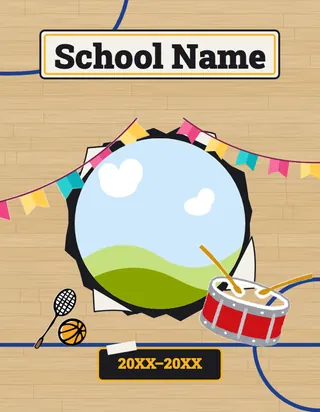
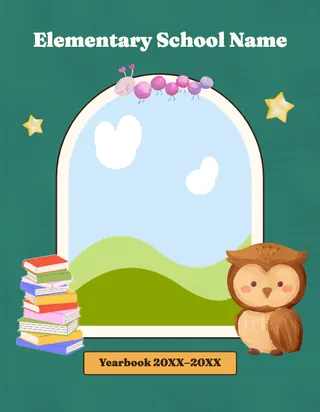
Every photo frame in the previews holds a placeholder picture, and the names and dates are placeholders too. When your team builds the book, your own photos and names replace them.
Find your look.
Get a first draft back.
Every child is in the shared school pages of a Rethink yearbook, and families who choose personalization get pages built around their own child’s class and grade.