
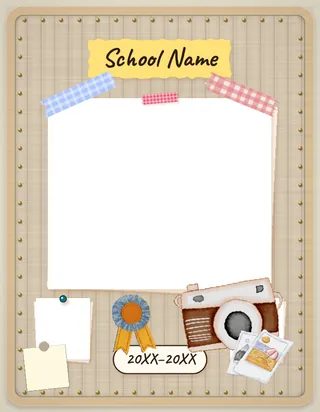
Pinboard Pop
A light cork bulletin board of taped polaroids, patterned washi tape, push-pins and pastel sticky notes.
Pinboard Pop turns each page into a bright, light cork bulletin board. White-bordered polaroids and prints sit at slight angles, held by patterned washi tape, colored push-pins and a binder clip, with lined notebook paper and pastel sticky notes in between. Titles are torn yellow paper labels in a handwritten script. Below is the full sample book, with a placeholder image in every frame.
Every page of the book
The cover, every spread and the back cover.
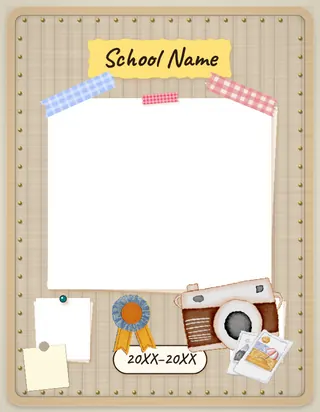
Cover 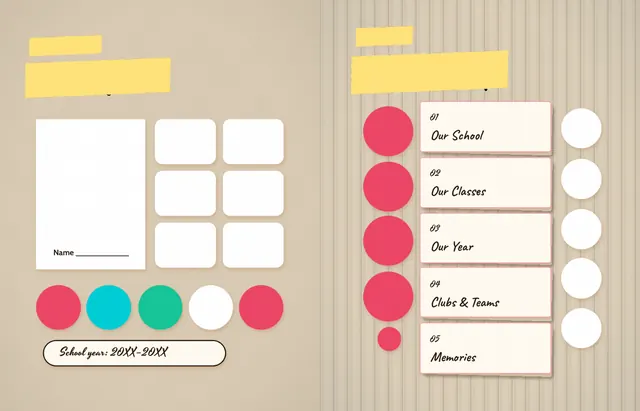
Pages 2 and 3 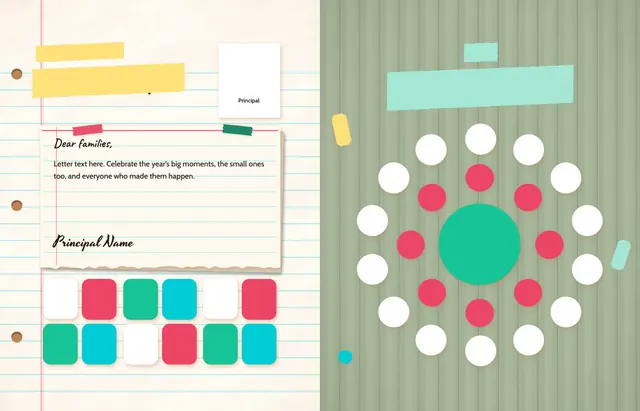
Pages 4 and 5 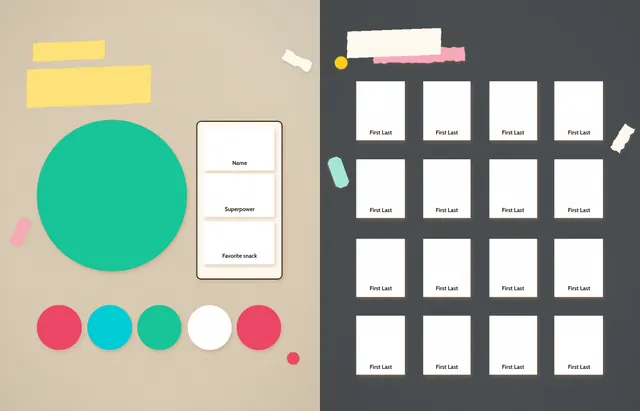
Pages 6 and 7 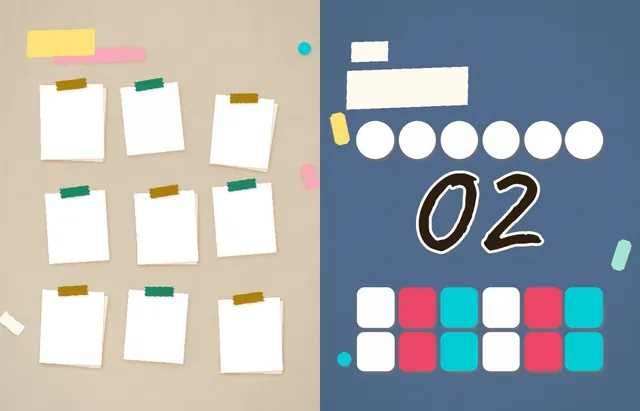
Pages 8 and 9 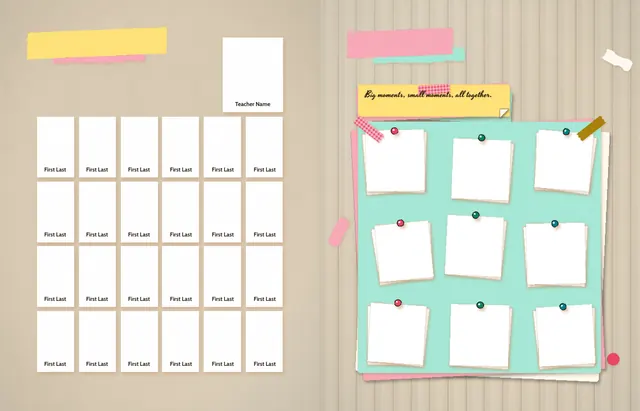
Pages 10 and 11 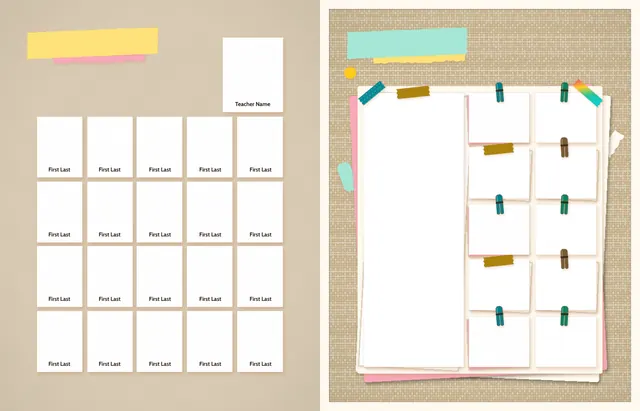
Pages 12 and 13 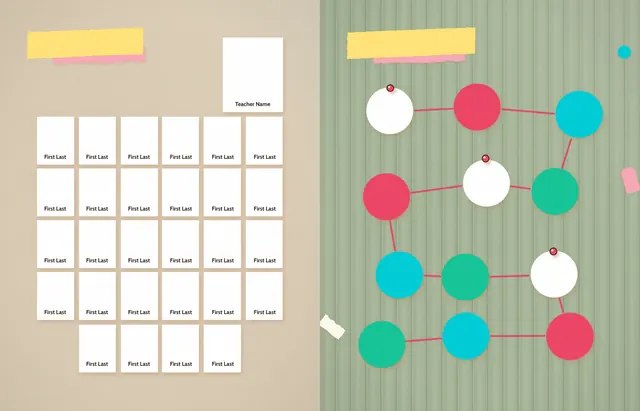
Pages 14 and 15 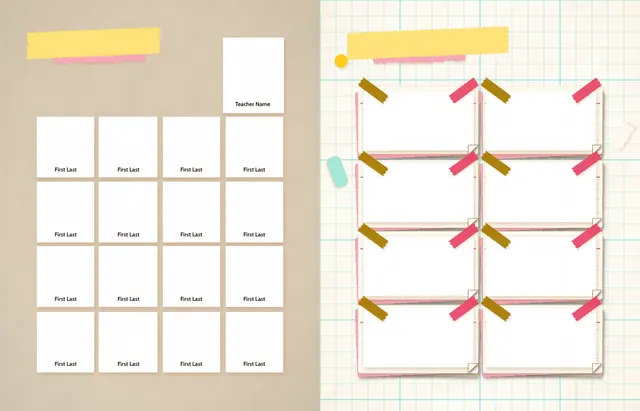
Pages 16 and 17 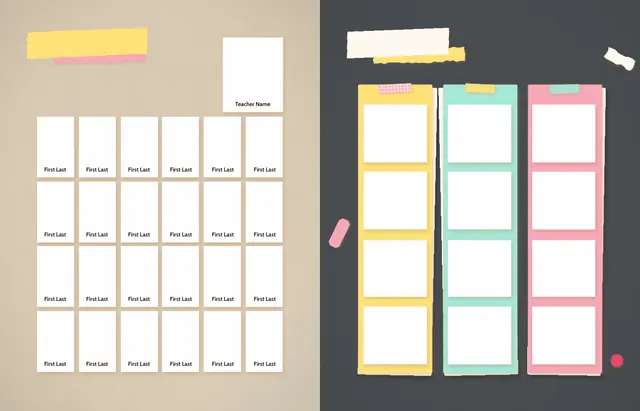
Pages 18 and 19 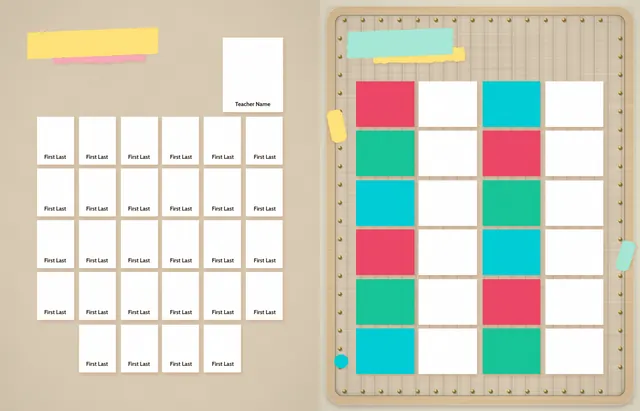
Pages 20 and 21 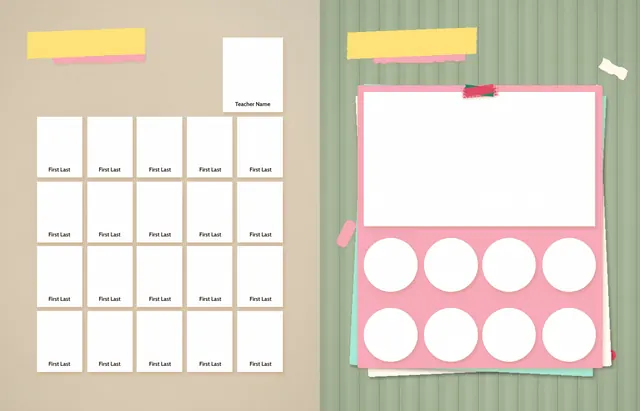
Pages 22 and 23 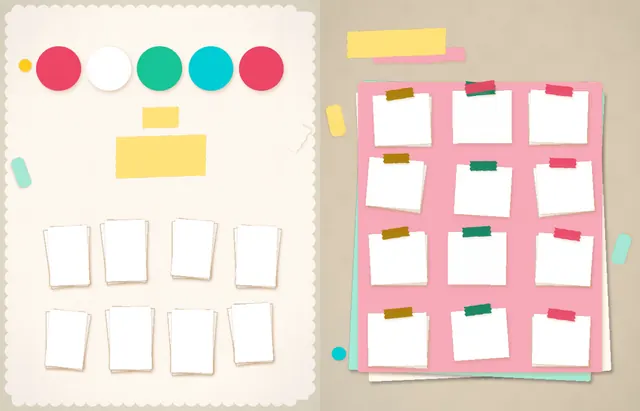
Pages 24 and 25 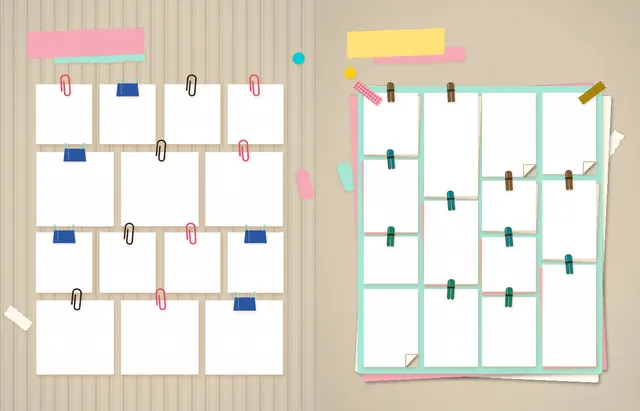
Pages 26 and 27 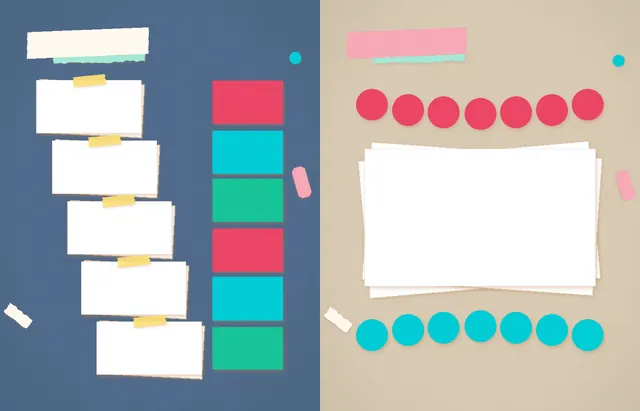
Pages 28 and 29 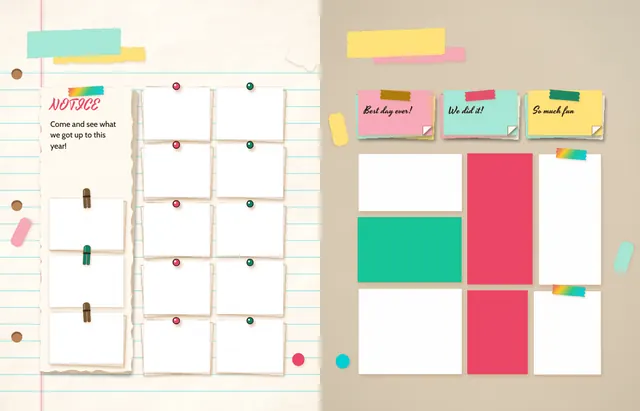
Pages 30 and 31 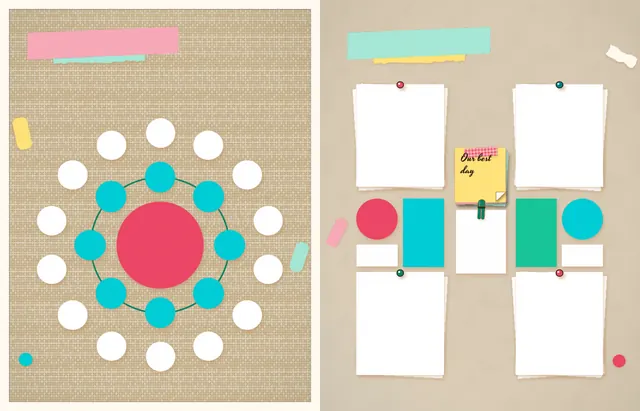
Pages 32 and 33 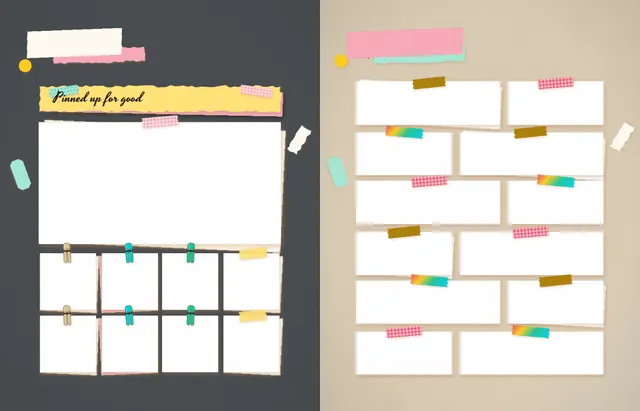
Pages 34 and 35 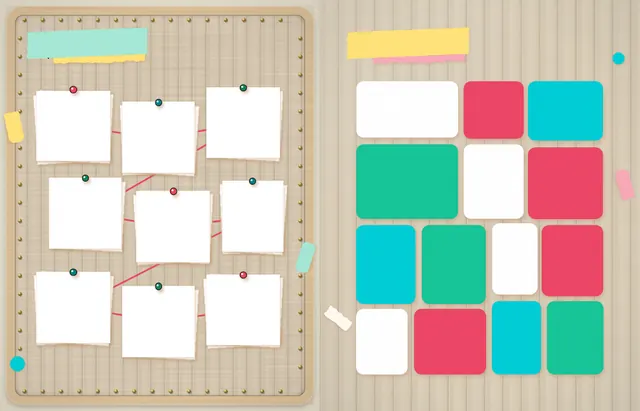
Pages 36 and 37 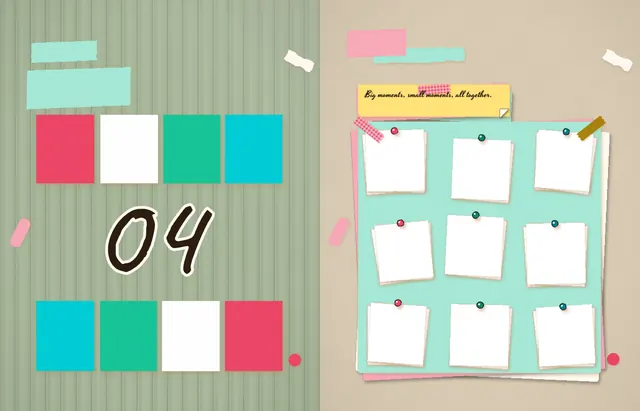
Pages 38 and 39 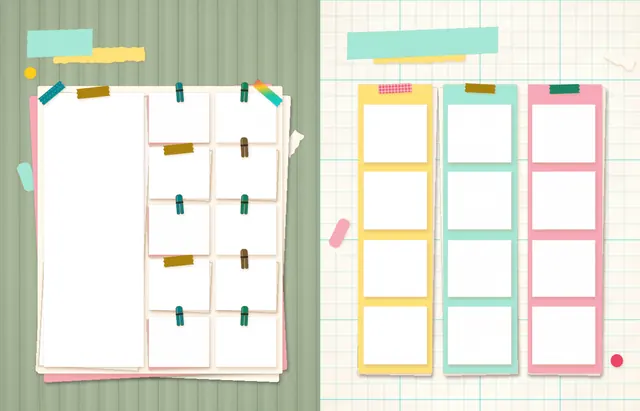
Pages 40 and 41 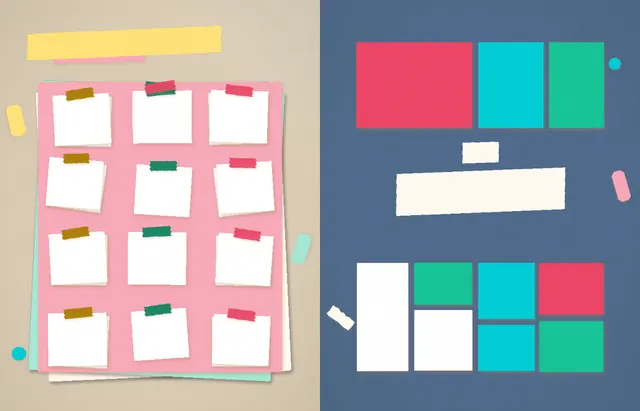
Pages 42 and 43 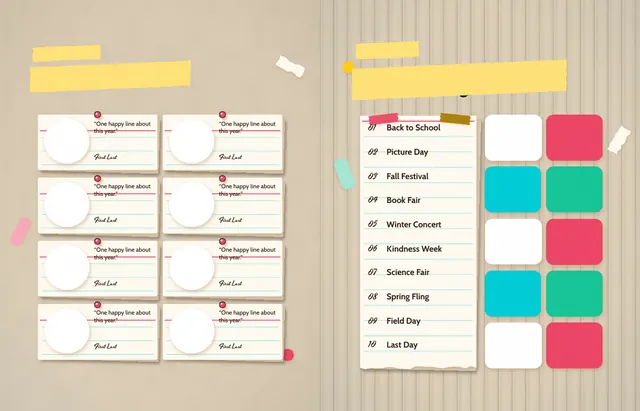
Pages 44 and 45 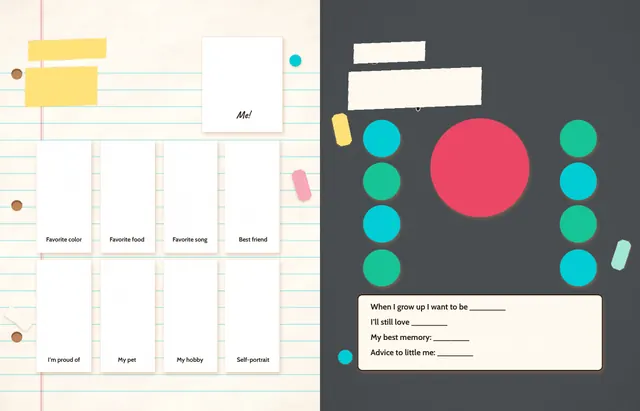
Pages 46 and 47 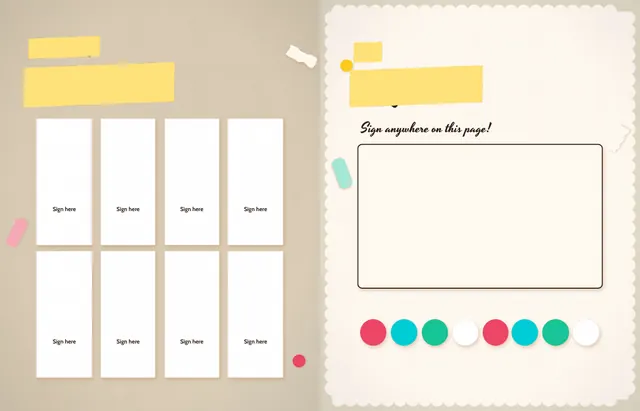
Pages 48 and 49 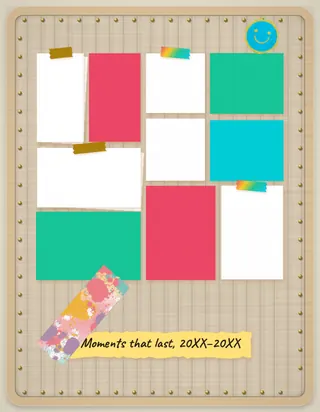
Back cover
Backgrounds
Papers and scenes to rotate through your pages, all in the Pinboard Pop palette.








Style guide
The fonts and colors Pinboard Pop is built from. In Canva, any of them can be changed to suit your school.
Suggested typefaces
Color palette
- Sage felt
#a4b394 - Shadow tan
#b98458 - Note paper
#fffaf0 - Photo white
#ffffff - Ink brown
#2b1d12 - Raspberry
#ec4666 - Sunshine yellow
#ffcd1b - Fresh green
#17c497 - Aqua
#00cdd6 - Binder blue
#2a56a5 - Label yellow
#ffe27a - Sticky pink
#f8a9b9 - Sticky mint
#a6e8d6 - Pin green
#0d8363 - Pin aqua
#00808c - Oatmeal felt
#d9ccb4 - Charcoal felt
#4a4b4f - Dusty blue felt
#4f6a8a - Natural burlap
#d6c19b - Wall
#e2d8c6 - Pale wood
#dcc29a - Brass
#c9a24a - Mustard
#a87c00 - Clothespin shade
#7a5a36
Style guide pages
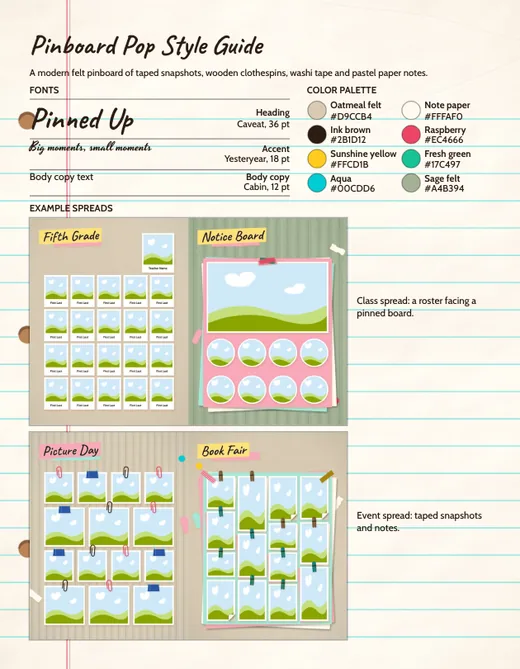
Style guide, page 1 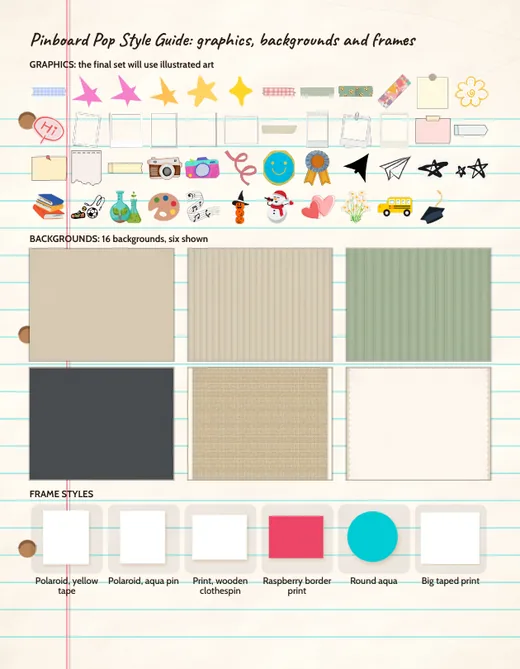
Style guide, page 2
What is included
Pinboard Pop is a Canva yearbook template for elementary schools: a complete design with a cover, class pages, event pages and a back cover, free for any Rethink school. Its photo frames are empty, and your team puts its own photos in them.
- A cover and a back cover
- 41 page layouts across class, event, club and memory pages
- 16 backgrounds
- A style guide (2 pages), a named palette of 24 colors and three suggested typefaces
- A Canva design your whole committee can edit at once, and recolor for your school
- $0 for a Rethink school, along with the page libraries and First Draft
Who it suits: Schools with plenty of candid photos to show, and anyone who wants a warm, hand-made, scrapbook-style book.
How to use Pinboard Pop
- Look through every page of the sample book above, including the backgrounds and style guide where the template has them.
- A Rethink school gets the full design as a Canva file that the whole committee can open and edit at once.
- Put your team’s photos into the empty frames and repeat the class pages for each class in your school.
- Change colors, fonts and layouts to suit your school, or ask for the free First Draft and have Rethink build the first version for you to edit.
Pinboard Pop, answered
What colors does Pinboard Pop use?
Cork tan and Light cork for the board, Note paper and Photo white for the pieces, with Raspberry, Sunshine yellow, Fresh green, Aqua and Binder blue as the accents.
What holds the photos on the board?
Patterned washi tape in pink, mint and aqua, colored push-pins and a binder clip, so photos look pinned and taped at slight angles.
Can we change Pinboard Pop's colors?
Yes. It is a Canva design, so the colors, fonts and layouts can all be changed to suit your school.
You might also like
These are different templates, not pages of Pinboard Pop.
Find your look.
Get a first draft back.
Every child is in the shared school pages of a Rethink yearbook, and families who choose personalization get pages built around their own child’s class and grade.